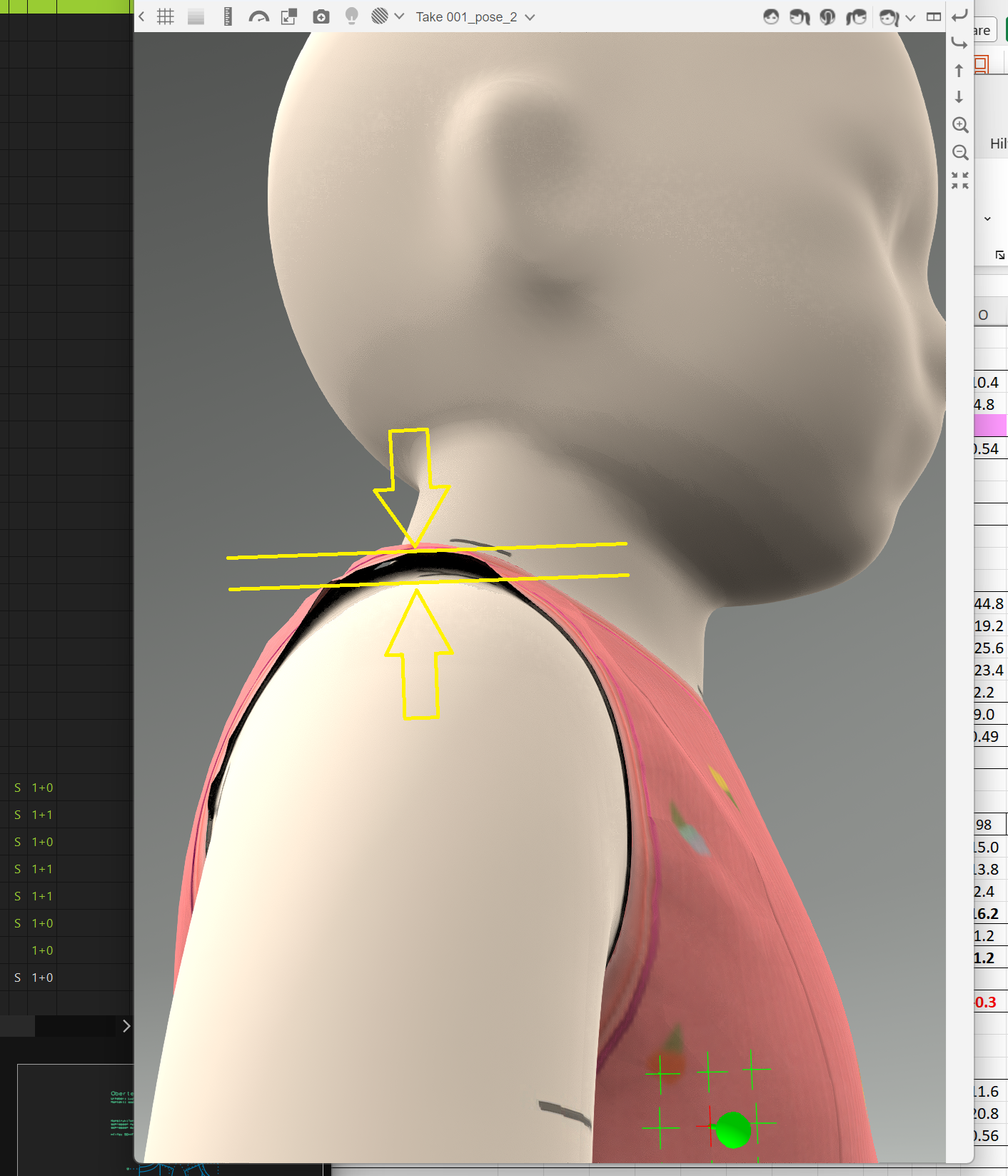
| 14 | 260626_stitiching_problem.pdf M2_8600_05_01_A_sweatshirt_basic_a_260609.bw | I am loosing an awful lot of time with this stitching problem. As far as I see, the stitching is clear in Grafis and V-Stitcher. However, in the 3D part, V-Stitcher seems to create additional stitches, that lead to 3D finishing problems. Am I doing something wrong? Please tell me. Thanks in advance. |
| 13 | 260605_fold_with_negative_angle.pdf | I am loosing an awful lot of time with the management of folds. I see that I can define a negativ "prepare angle", but I cannot define the "fold angle" as ngeativ, too. Is this a software issue? This way V-Stitcher sometimes does it right and somtimes it doesn't. Is there a way for me to define the the fold angle as negative, too? |
| 12 | 260512_render_problem.mp4 | When rendering from the home section, while using the "Auto Crop" function, VSticher moves the second Avatar View in the rendering frame during the process. This cuts a piece of the rendered picture and makes it useless. You can see VSticher moving the avatar in the movie. |
| 11 | 260512_double_fold.pdf | For creating double folded hem at the bottom of a trouser, there is no function that allows using the original pattern piece. Browzewear suggests to cut of the hem piece. Since folding up a sleeve or trouser leg twice is a very common and fashionable detail in reality, I think having a dedicated folding feature in VStitcher would be a fantastic feature. |
| 10 | 260507_rendering_freezed.pdf | However I got this freezing screen while rendering directely from the home window. I think if these problems happen, it might be related to the user interface. Please check the pictures under #10. On the first pciture (when the freezing happened) the dropdown arrow is missing. Please also check the last image (this is outside of the freezing process). The bar of the size option jumps out of the window. But this does not make the software crash. |
| 09 | 260424_grafis_path_favorite.mp4 | Annotation to #5. This is how the Grafis CAD favorite solution for paths works. It's very time saving! |
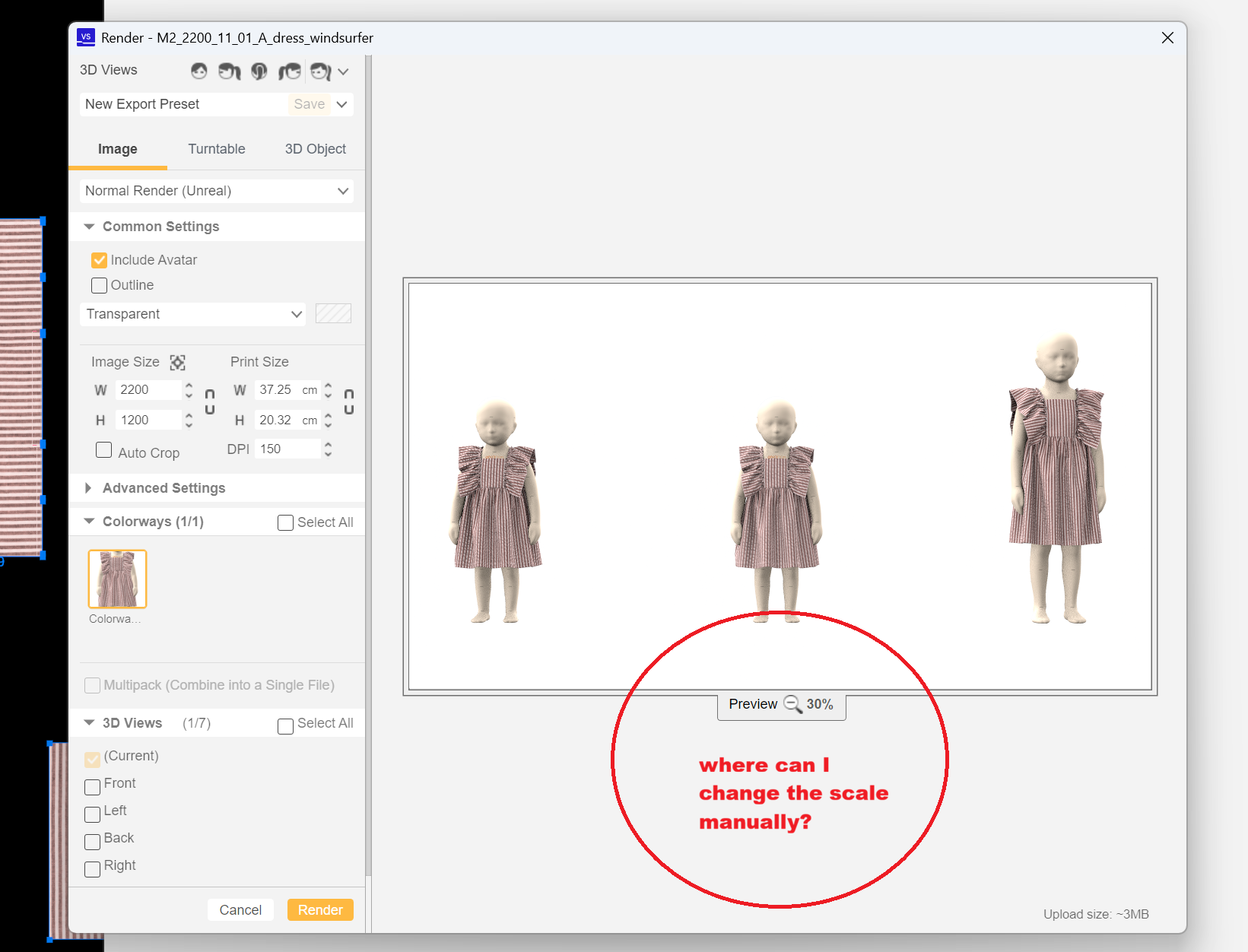
| 08 | 260424_render_scale.png | Is there a way that I can change the scale manually in the "Render" menue? I only manage to change it with mouse wheel, and this is not smooth enough, not accurate. |
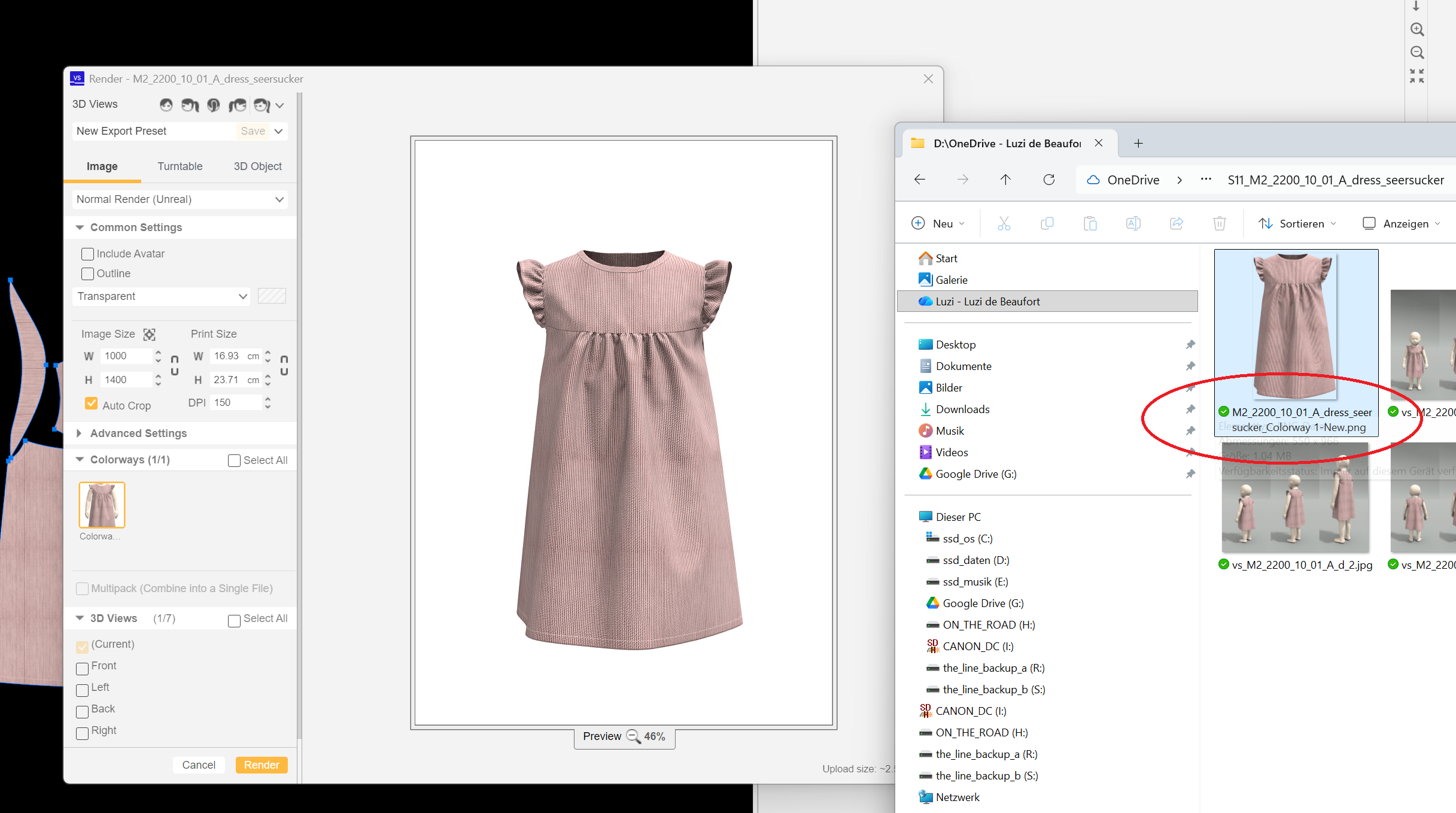
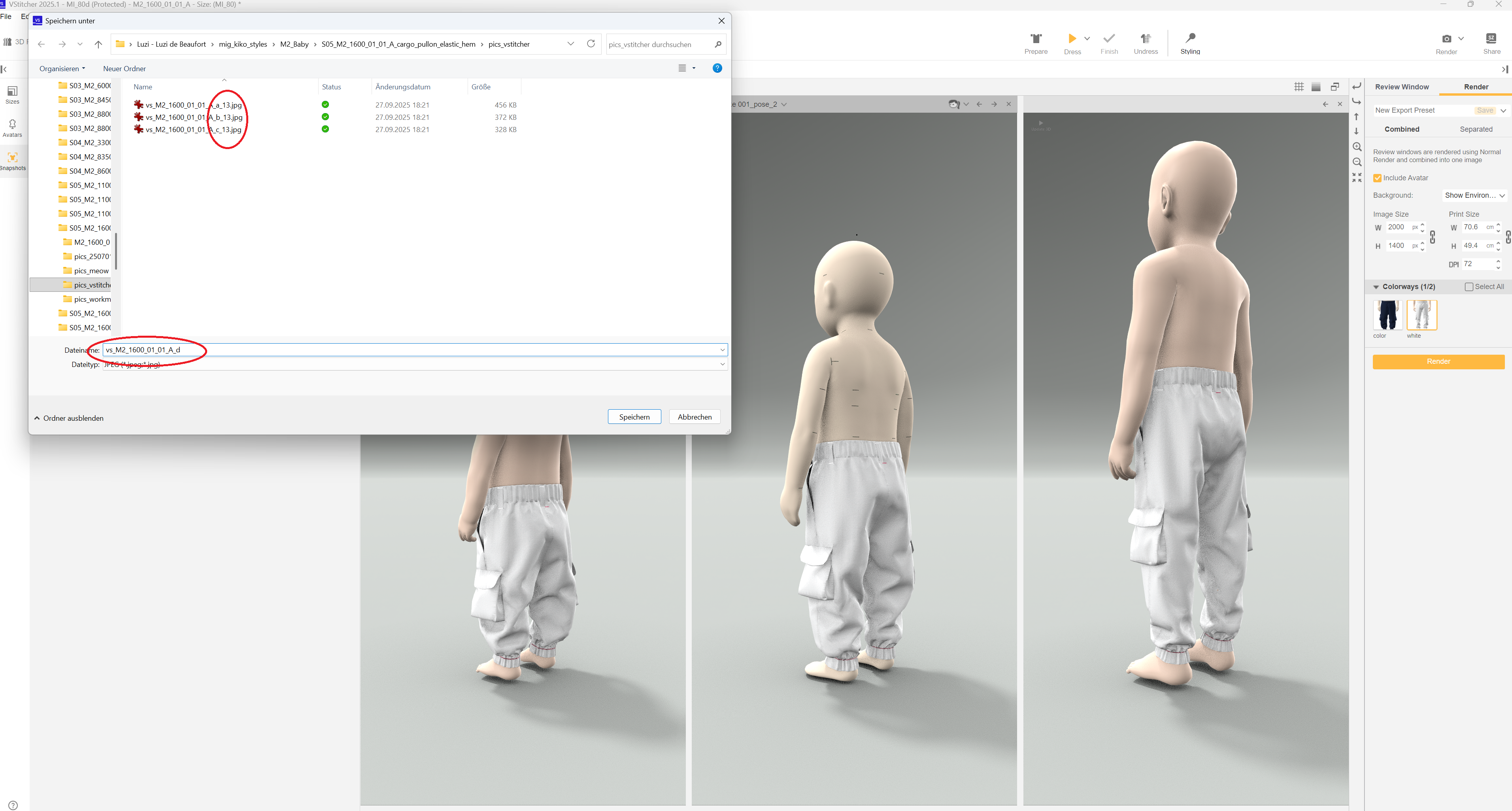
| 07 | 260422_vsti_rendering_naming.png 260422_vsti_rendering_naming_a.png | When rendering from the main window or the 3D window, V-Sticher adds the colorway or a number to the name. Is there a way to stop this? Changing costs me time and as I use these pictures for a hompage, I have to pay additional attention to the naming. |
| 06 | 260422_vsti_outfit_sizes.mp4 | I think, the idea ist, that I can choose the fitted garment size. However, it shows me only one size and not even the same out of each file. What am I doing in the wrong way? |
| 05 | 260422_vsti_fast_measurement_3D.mp4 260422_vsti_fast_measurement_3D_a.png | Is there a way, that I can apply the "fast measurement" function in the 3D window? Or is there at least a way to show and hold the measurement lines also in the 3D window? It should be also possible to quickly measure the distance from the cloth to the skin of the avatar. This would be big help. |
| 05 | 260422_vsti_colorway_import.mp4 | When importing a colorway, it would be helpful, if V-Sticher while hovering would show a window with the colorway of the bw file. This would save a lot of time. It would also be helpful if V-Sticher would save and show a favorits list of paths that can be edited by the user. GRAFIS CAD has a very clever and timesaving solution for this. |
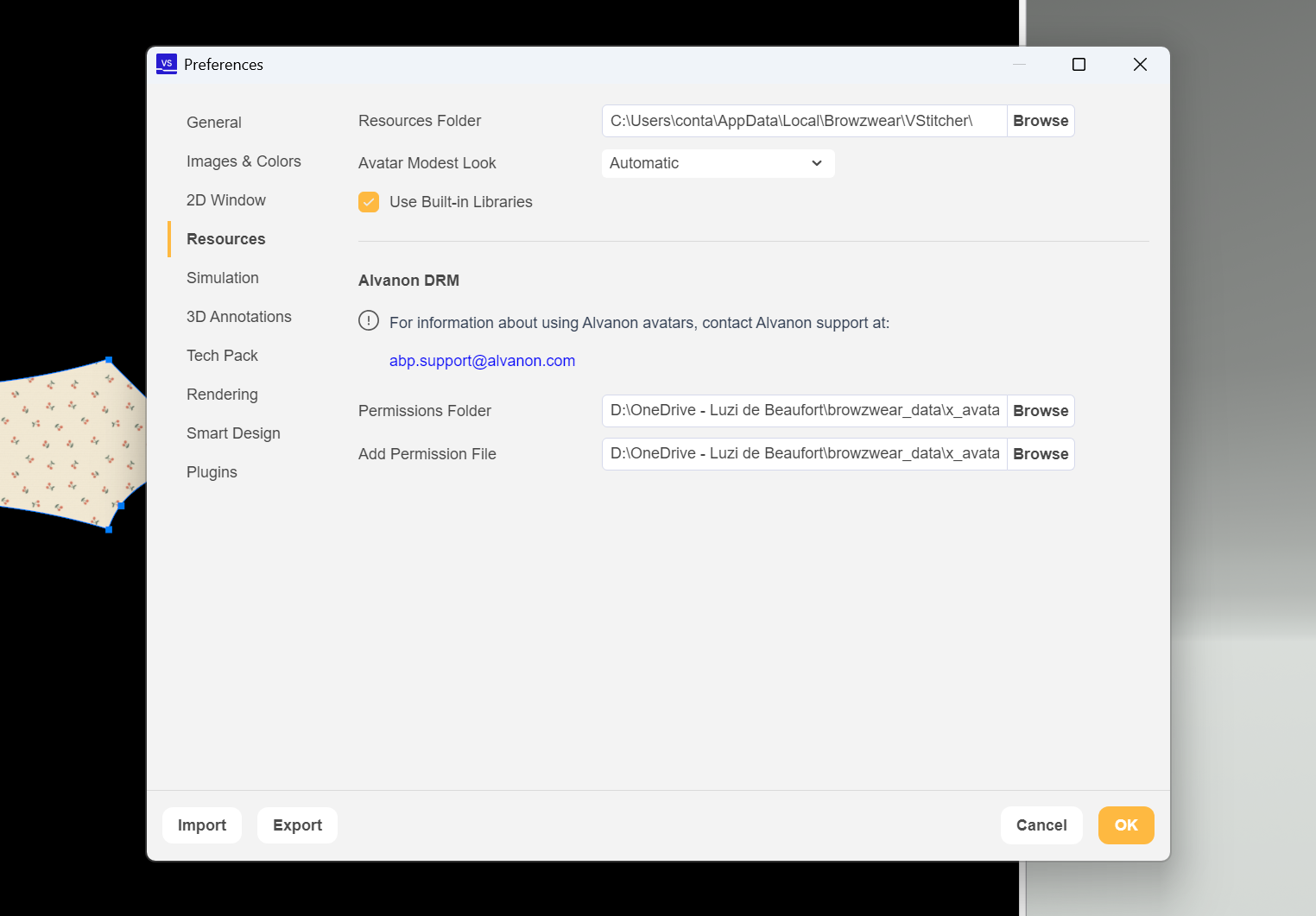
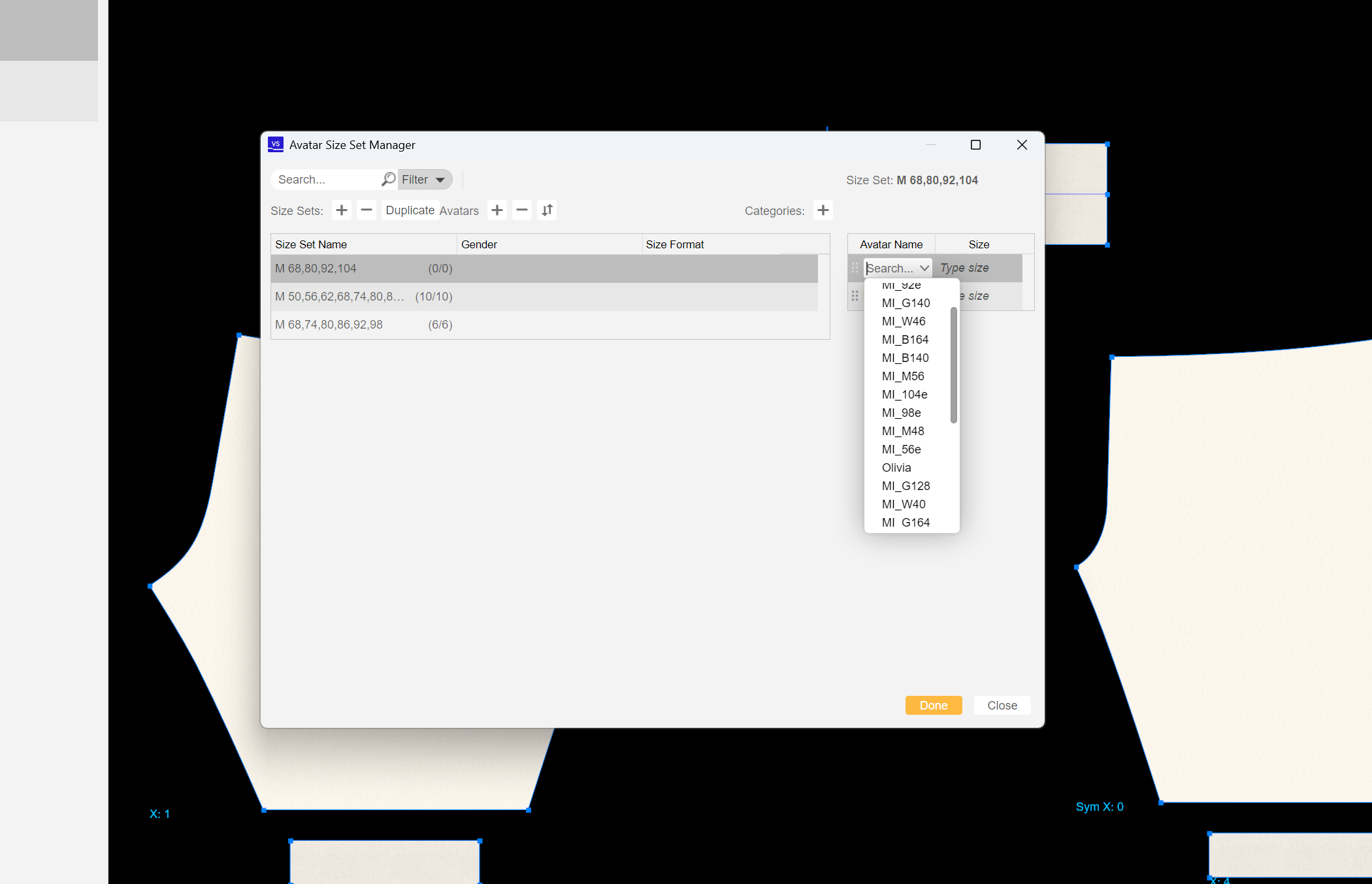
| 04 | 260422_vsti_avatar_permission_a.png 260422_vsti_avatar_permission_b.mp4 | I have two sets of avatars: my avatars and the ones of my client. I did not manage to install both permission files. Is there a way, that I can install several permission files? V-Sticher is not happy, whenever a file is opened with avatars missing the permission to be used. At least it should be possible to wipe avatars, password protected or not, from the 3D List when there is no permission file for them. |
| 03 | 260422_vsti_avatar_list.png | The avatar list and the dropdown menues in general should be sorted in alphabetical order. This would be very time saving. |
| 02 | 260421_vsti_3D_review_shoes_missing.mp4 | Is there a way that I can have the avatars wearing shoes in the 3D review? I would also need to export jpg's with the avatars wearing shoes. If I open snapshops that include shoes in 3D reviwe, the shoes do not show up. I need this feature, as i always export three sizes of a size range (smalles, basic and biggest). |
| 01 | 260411_vsti_3D_review.mp4 | When the 3D window is not docked, the 3D review starts making problems. I have the feeling, that you could fix this bug easily: Wehnever the user changes to "3D review" or back to "home", V-Sticher should first dock the 3D window to the right side. |